
Hostifire Blog
Hosting guides, comparisons and tutorials.
Compare the 5 best cPanel hosting providers in 2026. Hostifire leads at $1.50/mo with free SSL. Budget-friendly plans, transparent pricing, 30-day guarantee.
Compare Hostinger vs Hostifire on pricing, features, uptime & support. See renewal costs, cPanel vs hPanel, and which budget host offers better long-term value.
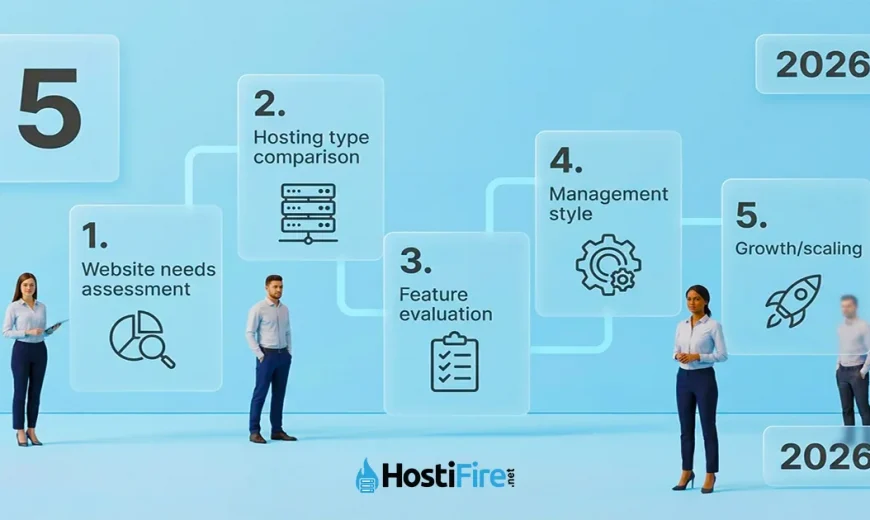
Learn how to choose the right web hosting in 5 steps — from assessing your needs to planning for growth. Compare shared, VPS, and dedicated hosting with real pricing.
VPS server security ka 12-step guide — SSH hardening se le kar firewalls, backups, monitoring tak
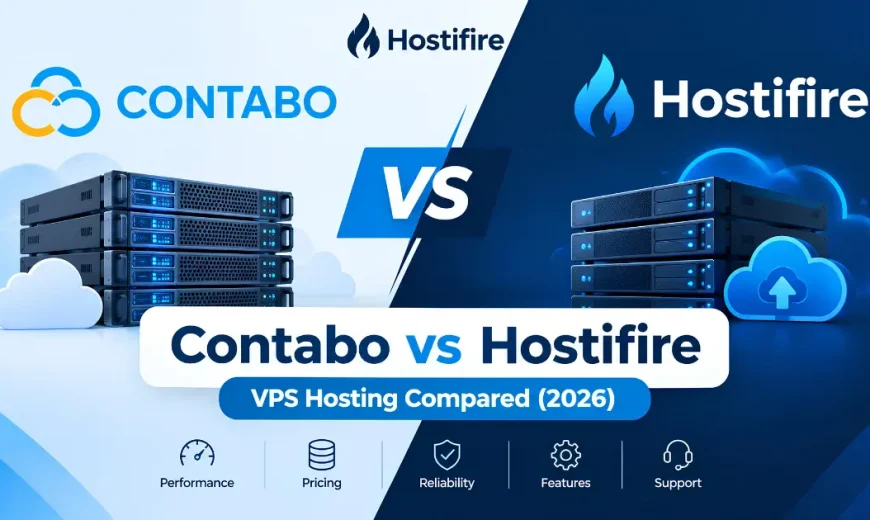
Compare Contabo vs Hostifire for VPS hosting. See pricing, uptime, support, and ease of use differences to find the best budget VPS provider for your needs.
Compare 7 cheapest Windows RDP providers in 2026. Hostifire starts at $4.99/mo with Windows license included, 99.99% uptime & lifetime discount.
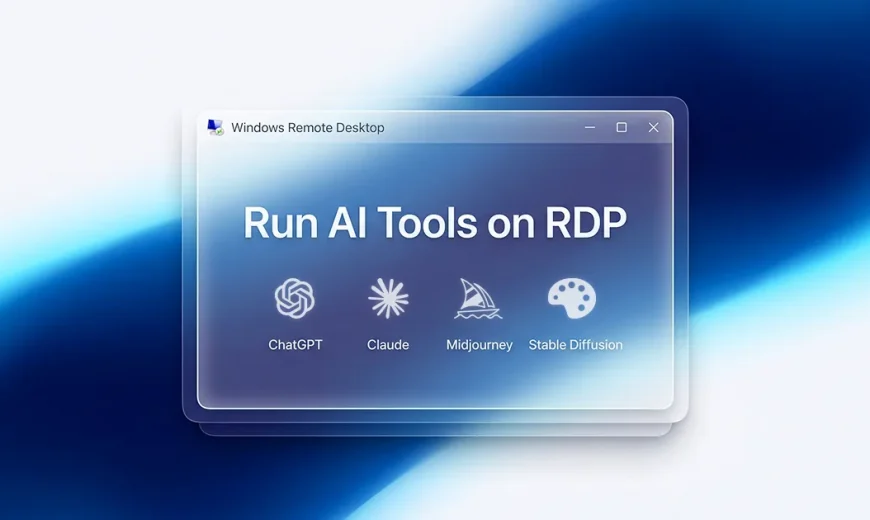
Complete guide to running ChatGPT, Claude, Midjourney, Stable Diffusion on Windows RDP. Setup, security, 24/7 automation, cost comparison. $4.99/mo plans.
Use Windows RDP hosting to run MetaTrader 4/5 expert advisors 24/7. Low-latency, always-on forex automation from $4.99/mo. No local PC needed.
Compare the cheapest Windows VPS hosting providers in 2026. Hostifire, Contabo, IONOS, Kamatera and more — specs, pricing, and honest reviews.
Compare Linux VPS vs Windows VPS — performance, pricing, use cases, and management. Includes Hostifire plans from $5.99/mo with cPanel.
cheap RDP safely buy karne ke tips, blacklisted IPs/cracked Windows/scams se bachne ka tareeqa, red flags checklist aur trusted providers ka comparison
Complete guide to setting up Windows RDP server: purchase hosting, connect, configure, secure, and install apps. Hostifire RDP from $4.99/mo.
Complete guide to enabling Wake-on-LAN with magic packets on Windows 10/11/Server — BIOS setup, PowerShell commands, firewall rules & security tips
Compare cPanel vs Plesk control panels for web hosting. Learn key differences in OS support, pricing, UI, and features to choose the best option for 2026.
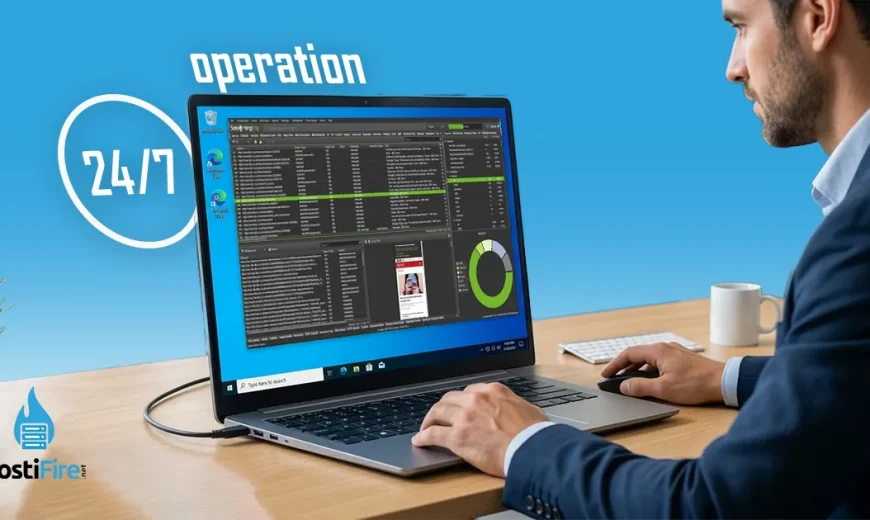
Run Screaming Frog, Ahrefs, SEMrush & rank trackers 24/7 on cheap Windows RDP. Hostifire RDP starts at $4.99/mo with 99.99% uptime.
5 ways to update Python on Windows cover karta hai (installer, Winget, Microsoft Store, Chocolatey, WSL)
Line Printer Daemon (LPD) guide: Microsoft deprecation timeline, security issues, and how to migrate to IPP for secure Windows Server printing.
Learn 6 ways to check your Windows version and build number. Includes GUI methods, PowerShell commands, and remote server checks for VPS/RDP users.
Free hosting = forced ads, 95% uptime, no custom domain. Cheap hosting ($1.50/mo) = SSL, 99.99% uptime, cPanel. Learn which fits your needs in 2026.
Learn how to install Windows services using sc.exe, PowerShell, or NSSM. Step-by-step guide with security best practices, troubleshooting, and monitoring for sysadmins.
Whether you’re switching hosts due to poor performance, inadequate support, or pricing concerns, following these systematic steps ensures a smooth transition while maintaining your site’s SEO rankings and user experience.
If you’re new to the world of websites, you’ve probably heard the terms “domain name” and “web hosting” thrown around — sometimes interchangeably. But they’re two very different things, and understanding the difference is essential before you launch your first website. Let’s break it down in plain language. What Is a Domain Name? A domain […]
Shared hosting is where most websites start — it’s affordable, easy to manage, and works perfectly for small sites. But as your website grows, shared hosting can become a bottleneck. The question is: when is the right time to upgrade? Here are 7 clear signs that it’s time to move from shared hosting to a […]
If your website still doesn’t have an SSL certificate in 2026, you’re leaving security, trust, and search rankings on the table. Understanding why SSL certificate is important is no longer optional knowledge — it’s fundamental to running any website, from a personal blog to a global eCommerce platform. What Is an SSL Certificate? SSL (Secure […]
Choosing the right hosting solution is one of the most critical decisions for any website owner. The debate around cloud VPS hosting vs shared hosting continues to grow as businesses demand more performance, security, and scalability. In 2026, the gap between these two hosting types has never been wider. Here are 10 compelling reasons why […]
To make Live Support contacts more secure and private, you can now use a Verification Code obtained from your client area (secure.hostifire.net). Previously, you could only verify your account using your passphrase or the last four digits of your credit card on file. With the new verification code feature, you can generate a random code […]
In this guide, you will learn how to flush the rules from the firewall on your Cloud VPS from your client area. It’s important to note that you should only do this for troubleshooting or to regain access to your server as it could leave your server vulnerable to attacks. Additionally, flushing the rules will […]
This guide will provide instructions on how to expand your backup storage capacity using the client area Marketplace. By purchasing additional storage, you can increase your data backup storage limit. Please note that this article specifically covers the management of remotely stored Automated Backups. If you require further information regarding cPanel backups, please refer to […]
If you encounter any issues with your Hostifire account, whether related to billing or website, rest assured that our team is here to assist you. We have dedicated teams for specific concerns, so contacting the appropriate department ensures that your inquiries are handled by the right experts. To streamline the process, we suggest preparing basic […]
The client area (secure.hostifire.net) is the main interface for your account with Hostifire. The client area includes your billing, contact, and hosting services information for your VPS or dedicated server. You can also use the client area to view, change or remove services. Below are brief descriptions of each section in the client area and its […]