If you are using cPanel, you have the ability to view your website’s raw access logs, which contain information about the traffic to your website before it is processed by statistics software. This can be very useful for analyzing the type of requests your site is receiving.
To fully utilize your raw access logs, it’s recommended that you enable raw access log archiving in cPanel. This will allow you to access your logs at any time, even if they have been rotated or compressed.
- Log into cPanel
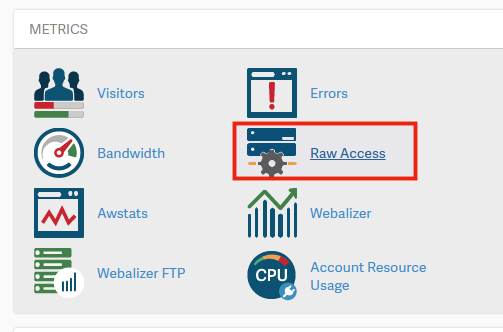
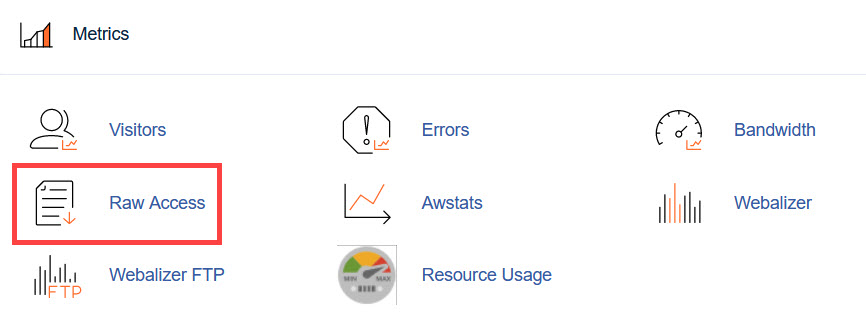
- Under the Metrics section, click on Raw Access
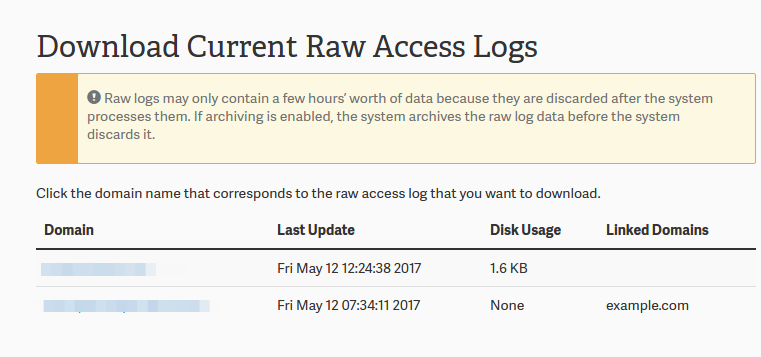
- Click on the domain to see its stats.
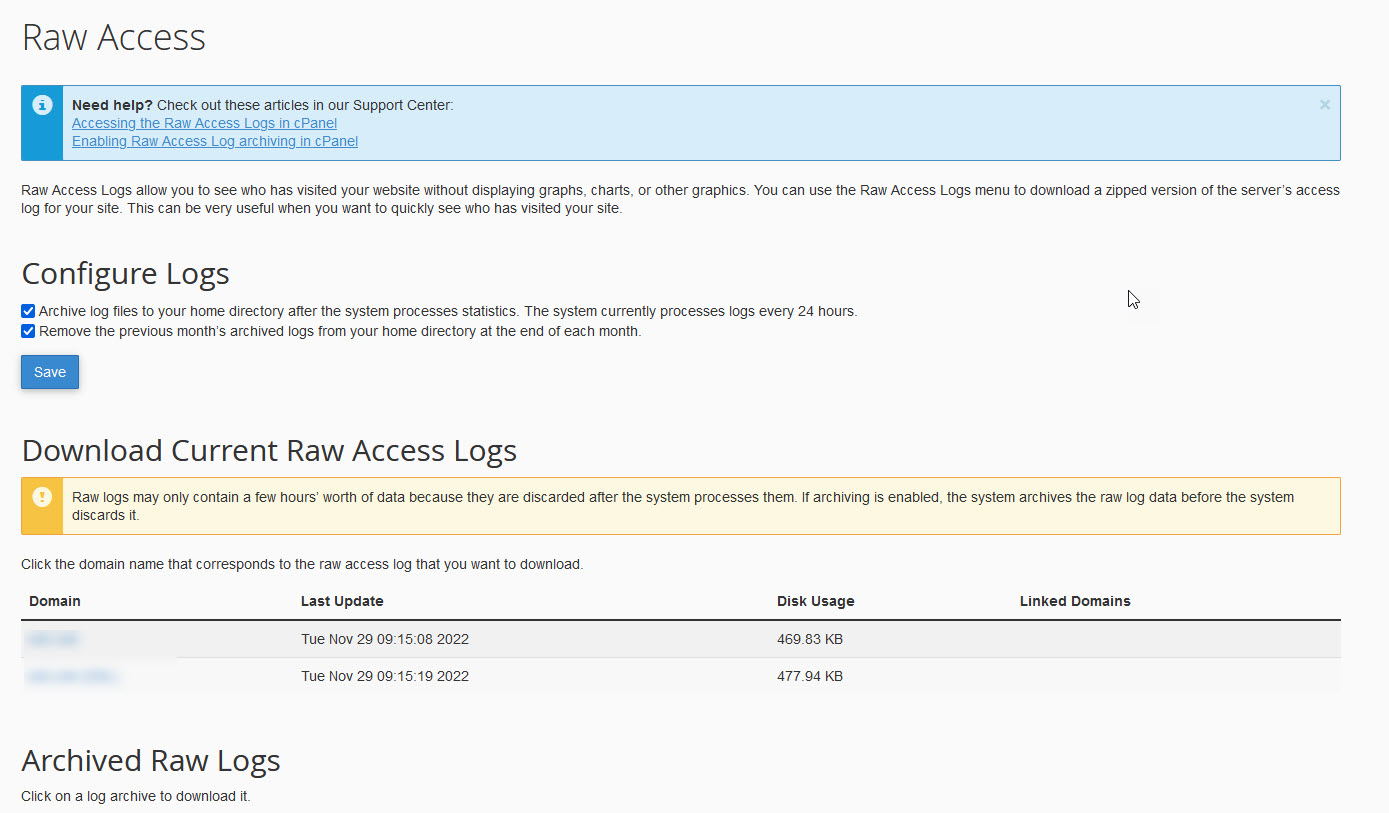
- Your browser should download the compressed raw access log. Once that has been completed, use a program like 7zip to uncompress the files on your computer.
- Uncompress the file and open it

You will now see every request that your website had to deal with. If you just wanted to easily review your website traffic, you could use something like AWStats in cPanel to do so.